A reading app that picks the next book for every child
A children's reading startup wanted hundreds of illustrated, narrated books to feel like a personal library for each child. We built the apps, the content engine behind them and the tools the team runs it with, then handed it over.
A big library is useless if a child can't find the next book
Children's apps compete with video for attention, and a catalogue of hundreds of books does not help if a young reader has to dig for the next one. Many users cannot type yet, and parents need to know the app is safe to hand over.
Behind the app sat a second problem: a content, marketing and partner operation that had to plan what children see, understand what they read and report back to publishing partners without asking developers every time.
The brief: an app that feels personal to each child and safe for parents, plus an admin that lets the content team run it on its own.
Discovery decides retention
If the next good book is not on the first screen, the child closes the app. The library had to come to the reader.
Safe by default
Purchases and settings must stay out of a child's reach, even for a child who has watched a parent unlock the phone.
A team waiting on developers
Seasonal selections, new series and campaigns lose value if every change needs a release.
Four decisions that made reading personal
Build the home screen for each child
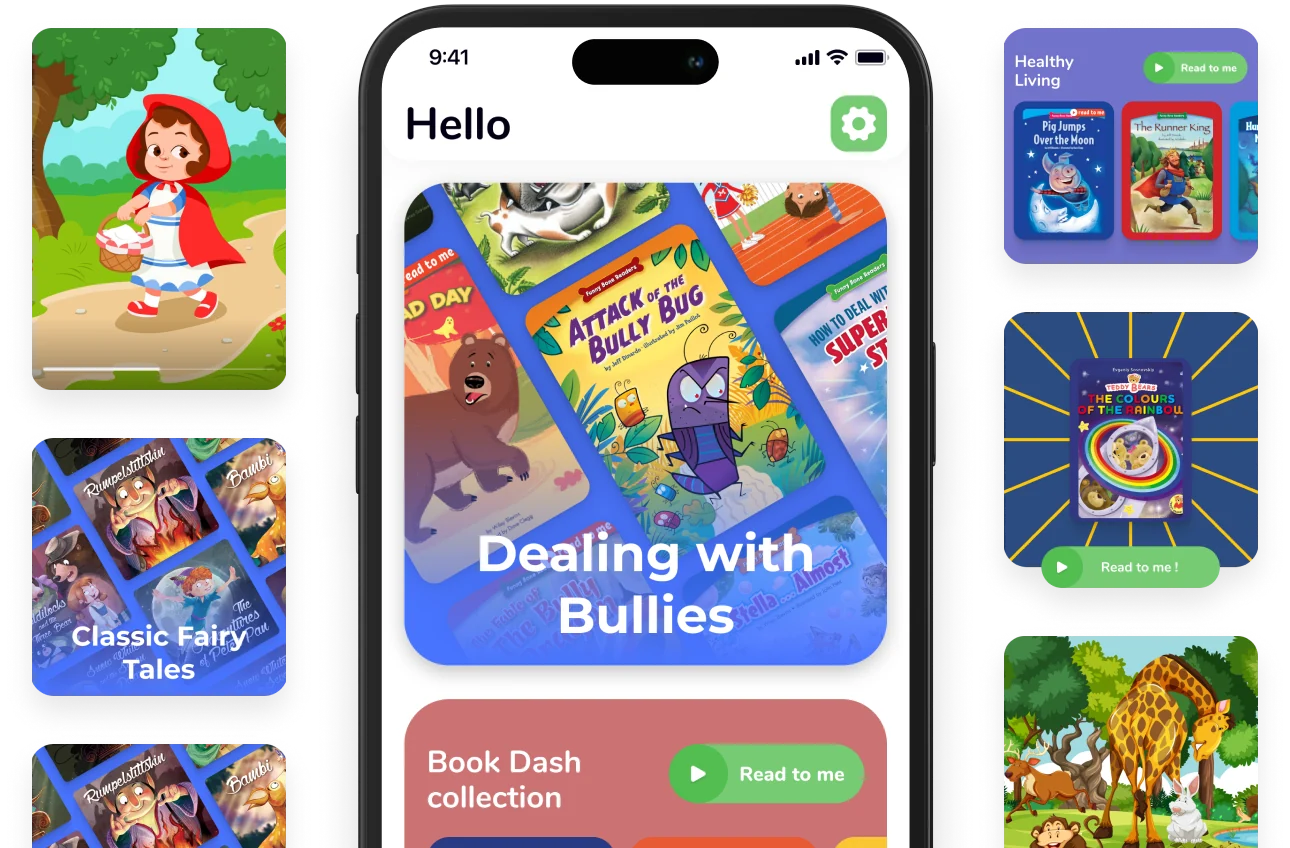
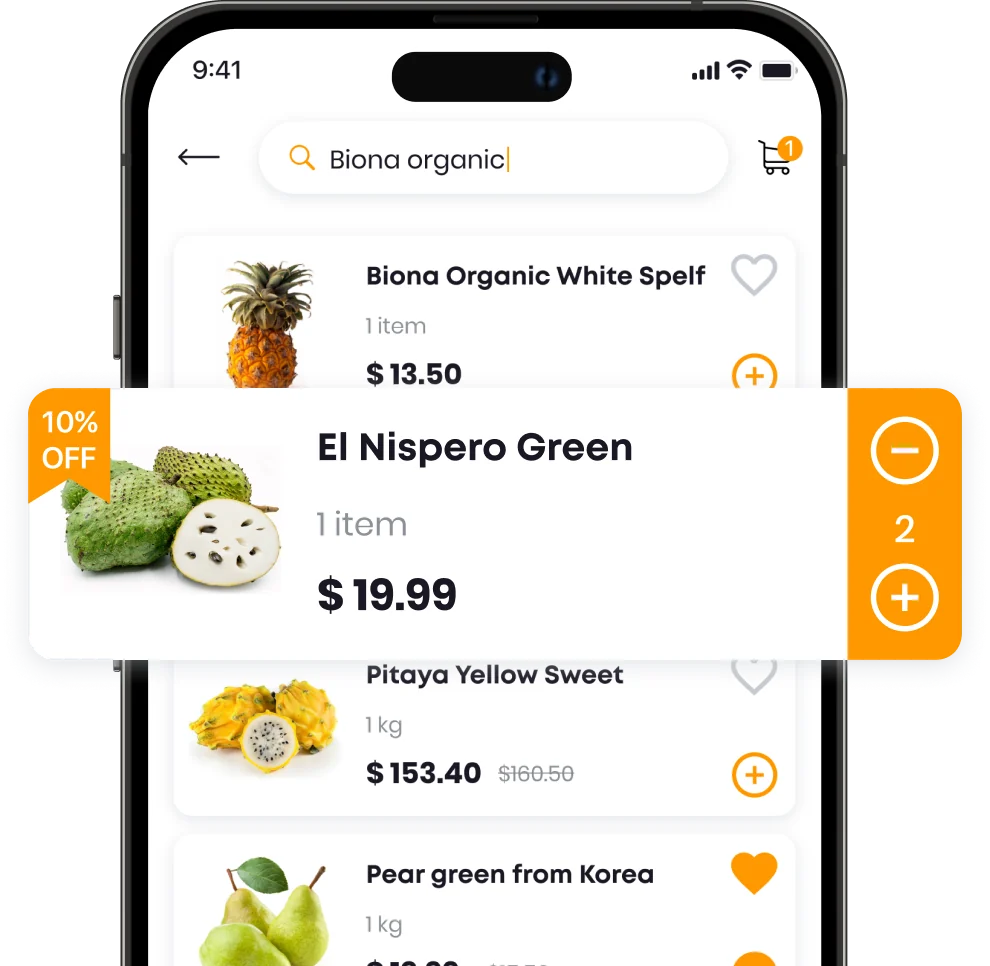
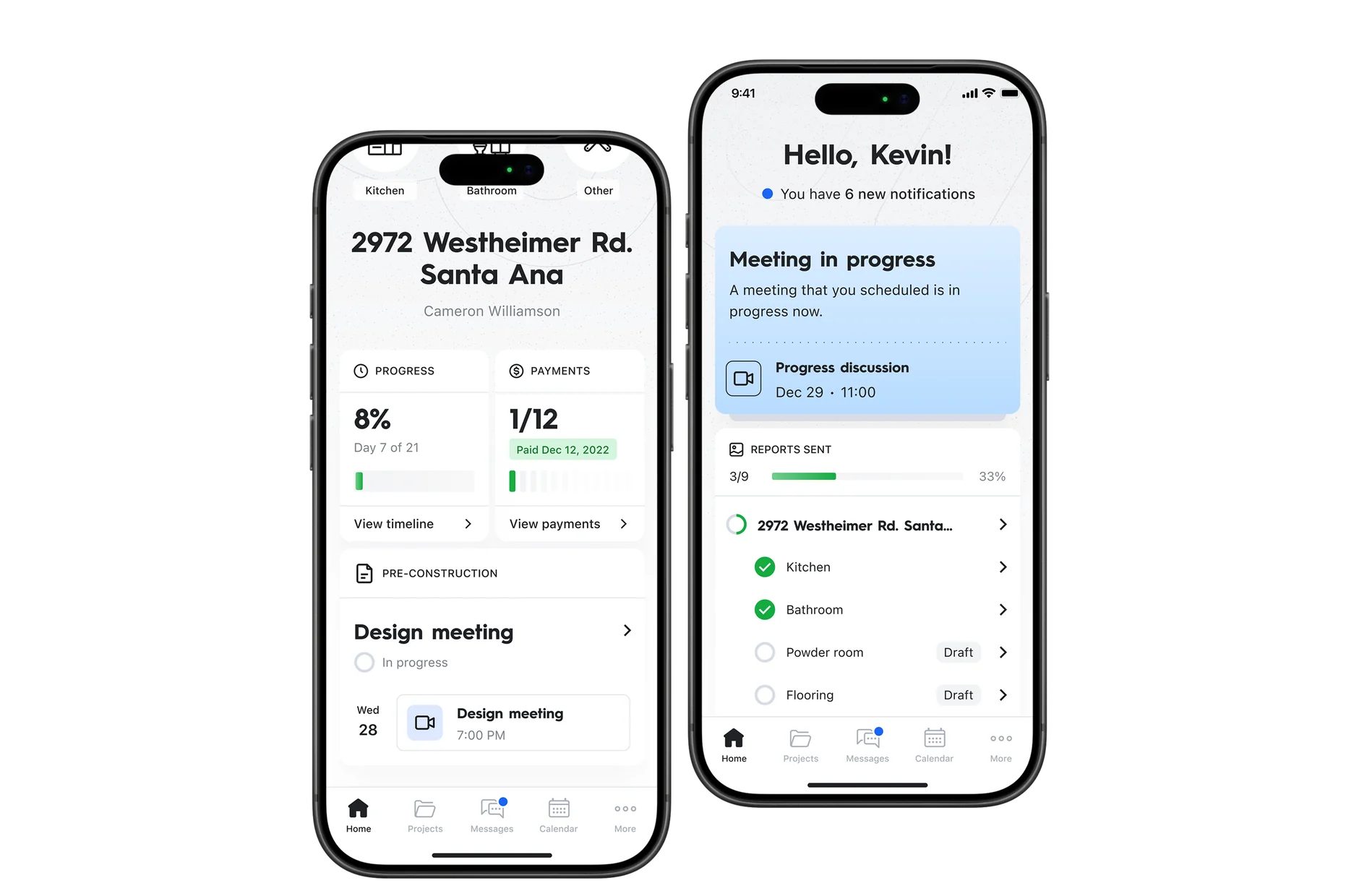
The home screen is made of widgets, from videos and stories to selections, categories and single books, and the app arranges them by each child's preferences. A short-form Reads feed adds an endless stream of books picked for that reader.
Design for children who can't type yet
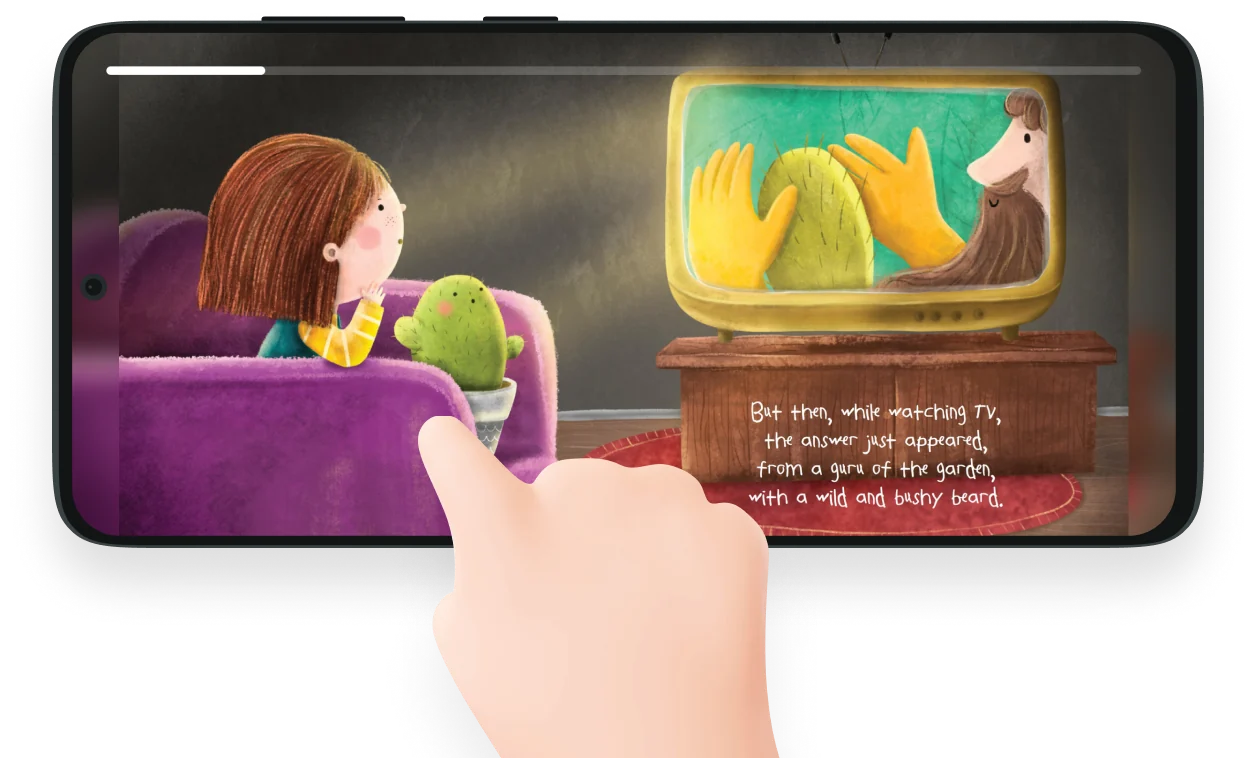
Voice search lets children find books without a keyboard. The player works in portrait and landscape, and books can be downloaded for offline reading on trips.
Lock grown-up features behind a moving code
Sensitive functions are hidden behind a parental gate that asks for a new code every time, so a child cannot learn their way past it.
Let the content team schedule the app
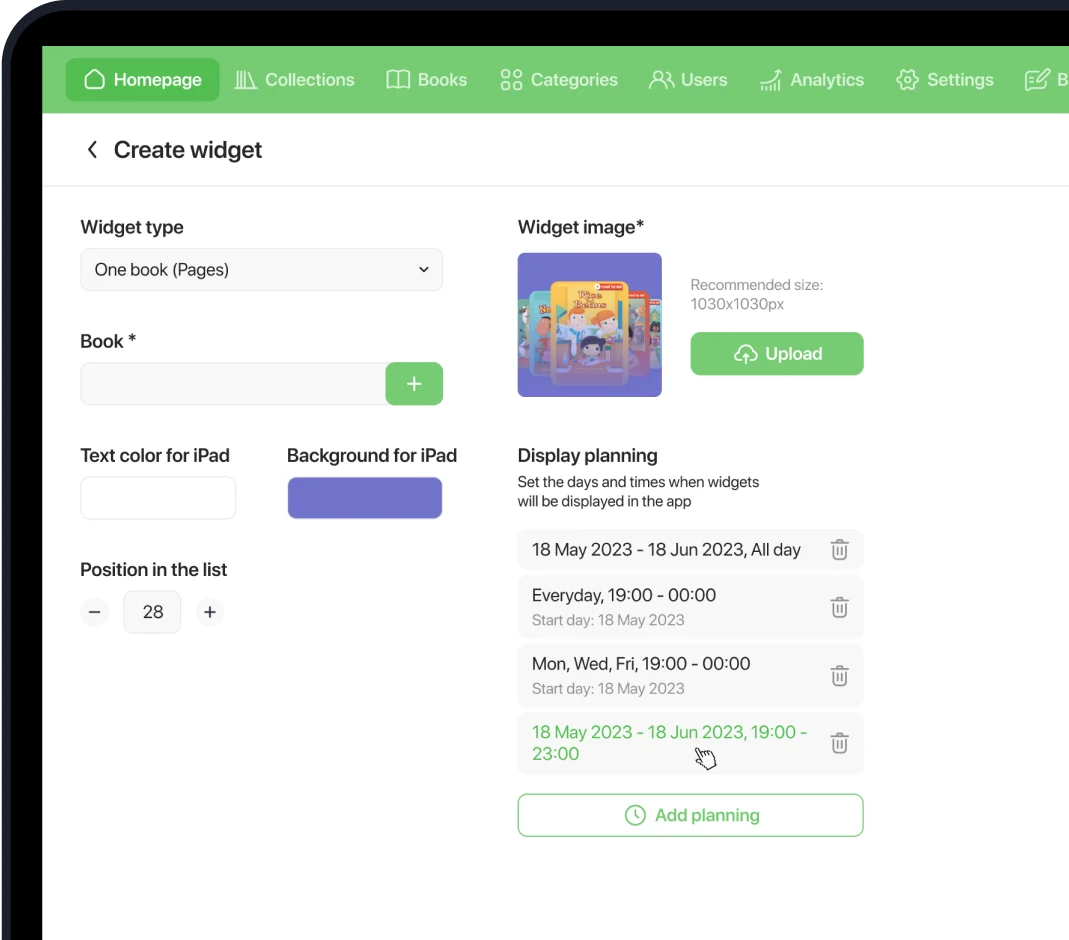
Managers reorder the home screen, set display rules and schedule widgets for specific dates and times, which turns the admin into a content plan. Publishing partners see how children use their books and download reports in Excel.
A library the content team runs without developers
The client's team took over a product whose experience is driven by data and whose daily running is driven by people outside engineering. Content managers plan and schedule what children see, marketing uses reading data for personal recommendations and a blog built for search traffic, and publishing partners pull their own reports.
The same care went into trust: users can see what data the app collects and request a copy of it, as privacy rules require.
100s
of narrated, illustrated books
Voice
search for children who can't type
Offline
reading for trips
Excel
reports for publishing partners
100s
of illustrated books with narration
Per child
home screen and Reads feed
Scheduled
content planning without a release
iOS and Android apps with a personalised widget home screen, a short-form Reads feed, voice search, a portrait and landscape player, offline mode and parental control; an admin for widgets, content planning, books, partner reports and a blog; a marketing site.
Swift · Kotlin · Python · Nuxt.js
Questions about this project
How does the app personalise what each child sees?
The home screen is built from widgets, from videos and stories to selections and single books, arranged by each child's preferences. A short-form Reads feed adds an endless stream of books picked for that reader.
How do children who can't type find books?
With voice search. The player also works in portrait and landscape, and books can be downloaded for offline reading on trips.
How are parents reassured the app is safe?
Purchases and settings sit behind a parental gate that asks for a new code every time, so a child cannot learn their way past it. Users can also see what data the app collects and request a copy of it.
Can the content team change the app without a release?
Yes. Managers reorder the home screen, set display rules and schedule widgets for specific dates and times, and publishing partners download their own usage reports in Excel.
Can you share the client name?
The client name is withheld under NDA. Get in touch if you'd like to discuss the engagement in more detail under a mutual NDA. We can walk through the architecture and operational decisions at a level not appropriate for public material.
See more cases









Is your content team waiting on developers?
Tell us what you are building. We will come back with an honest view of how we would approach it.